On the Perform deployment page, you can view the deployment progress of each host. You can also click View logs to view detailed deployment information.
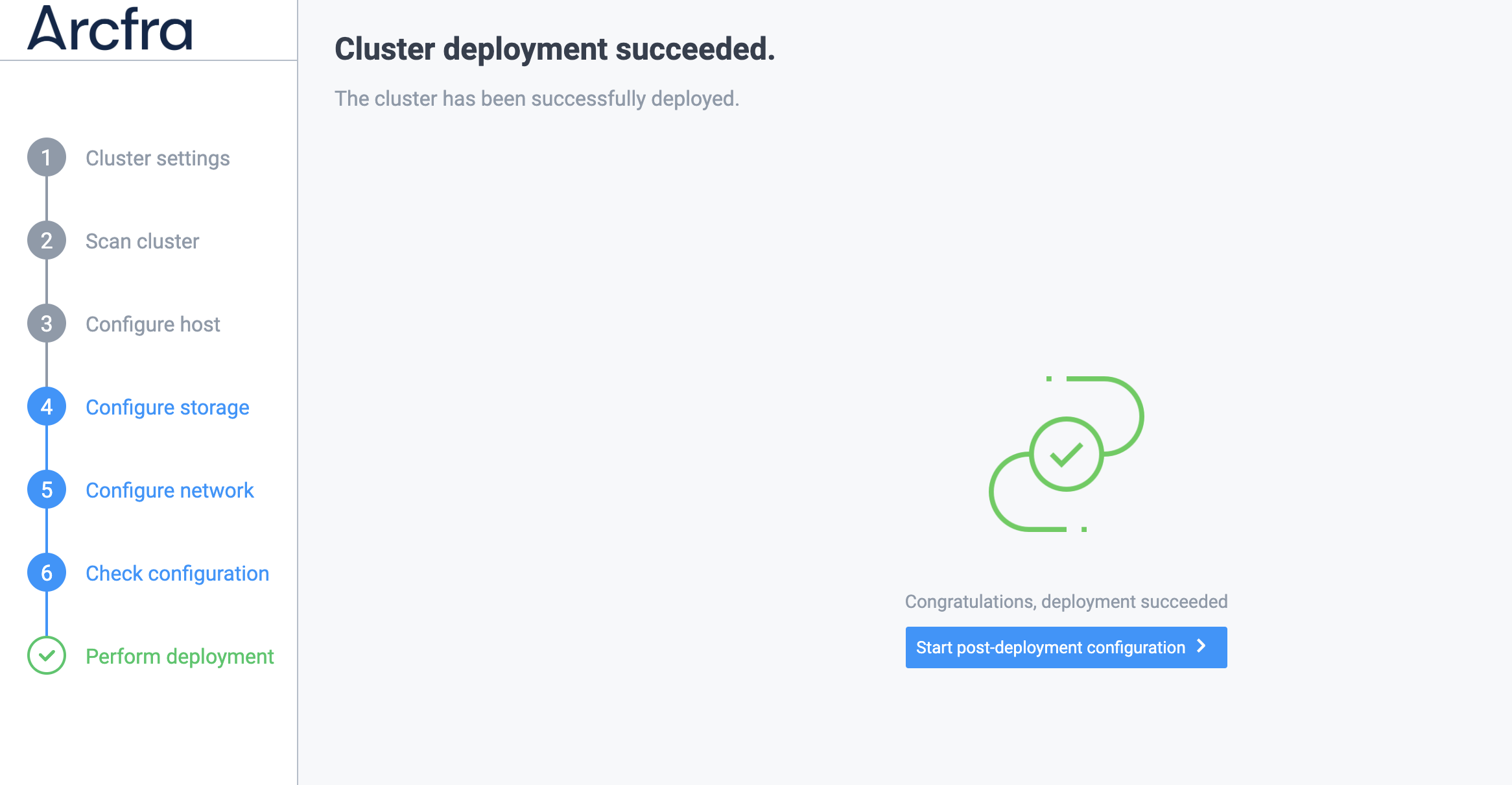
If the cluster is deployed successfully, the following page will appear.
If cluster deployment fails, you need to first locate the cause of the failure based on the relevant logs and solve the problem, then run the following command on all SCVMs in the cluster to clear the cluster data, and then deploy the cluster again.
zbs-deploy-manage clear_deploy_tag
systemctl restart zbs-deploy-server nginx