Open a web browser and enter the IP address of the vCenter Server. Then, select Launch vSphere Client (HTML5).
Enter the credentials of a user who has permissions on vCenter Server and click Login.
Create a new data center. In the left navigation bar, right-click the server and select New Datacenter, then enter a name for the data center.
Create a new cluster. Right-click the newly created data center, select New Cluster, and then enter a name for the cluster.
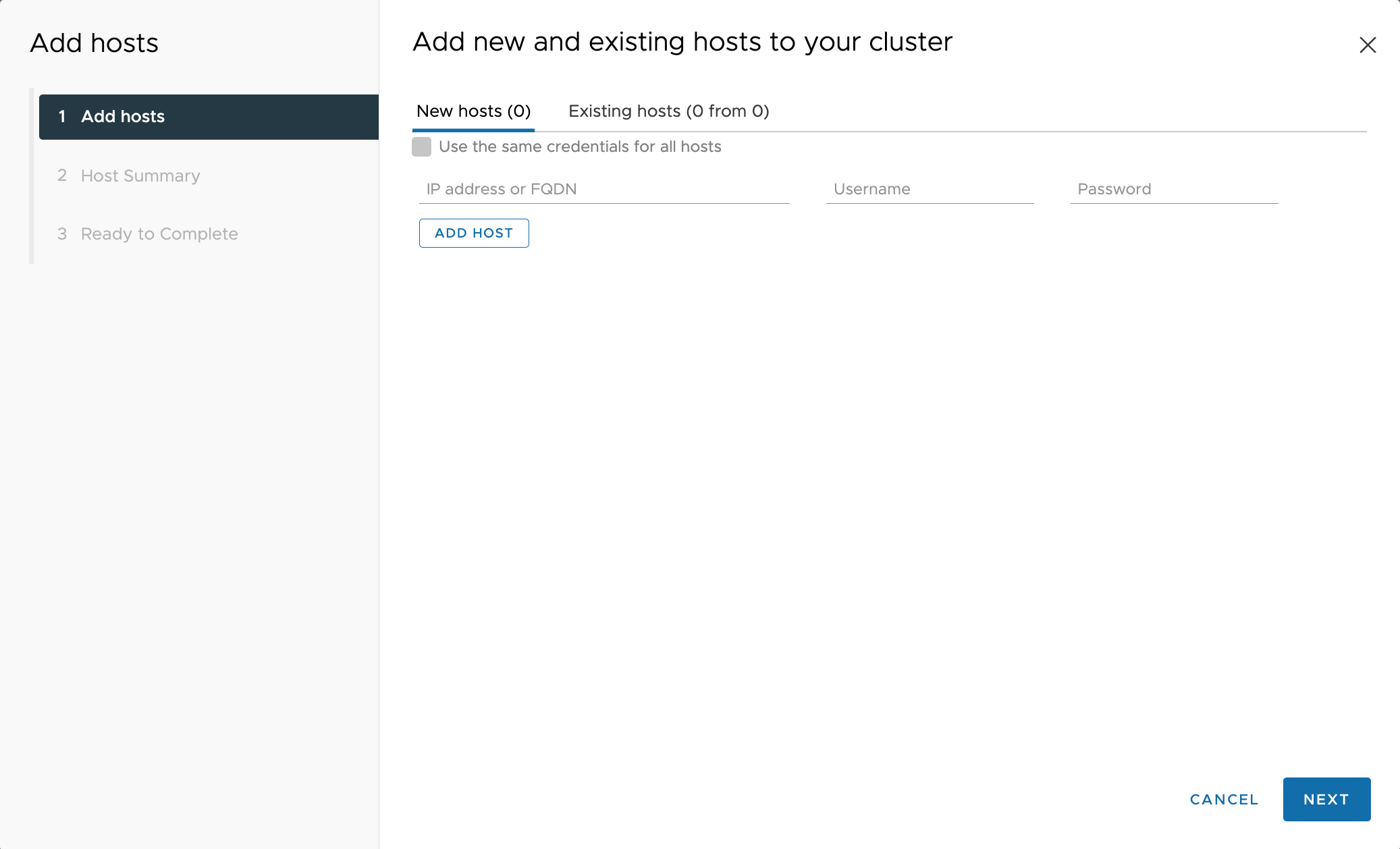
Add an ESXi host. Right-click the newly created cluster and select Add Hosts.
Enter the IP address, username, and password for each host that needs to be added. Then, click NEXT. Follow the prompts to input the necessary details and add all ESXi hosts from the cluster to the created datacenter.